
Know when your Tronbyt server has an update
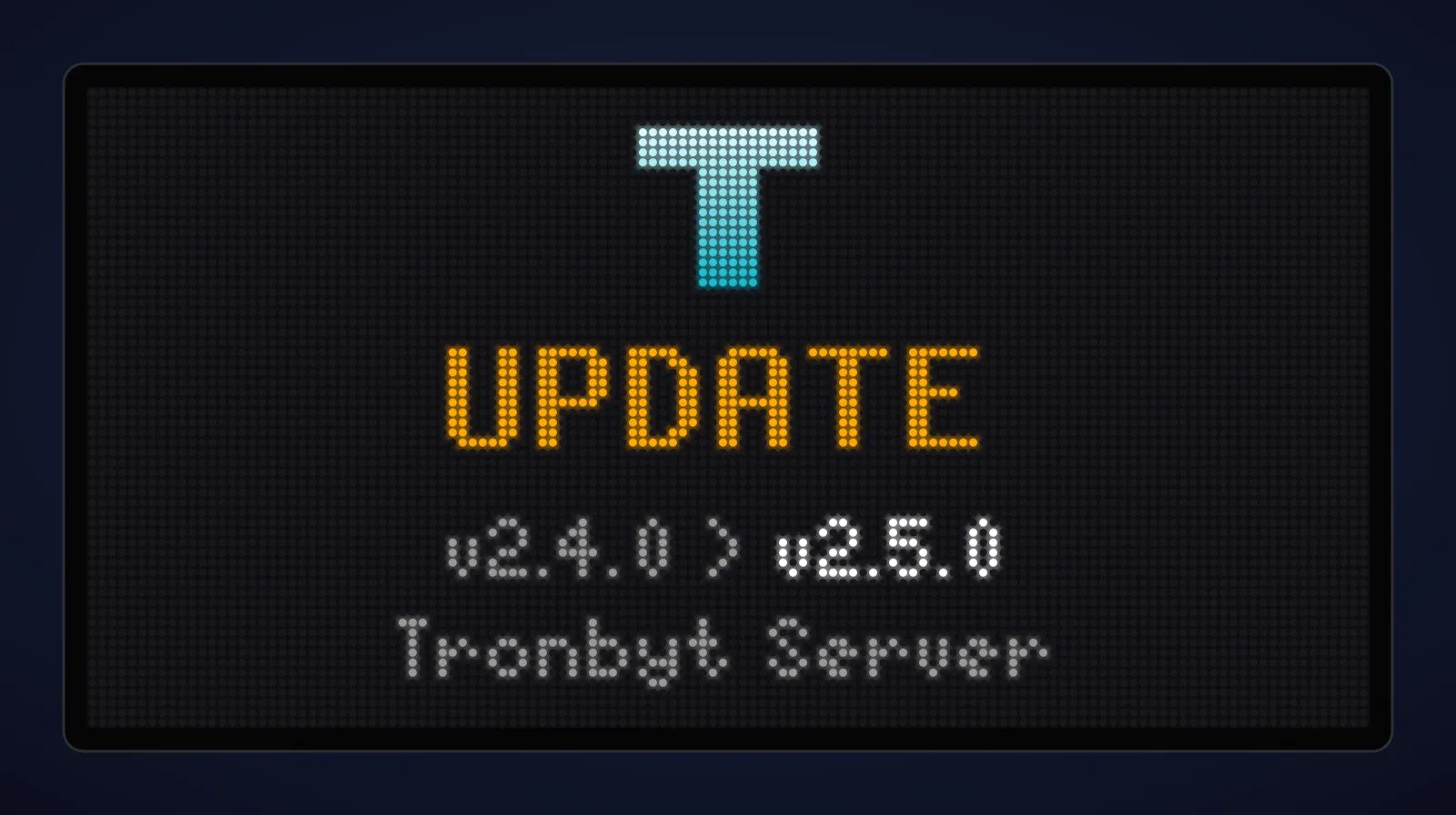
If you run your own Tronbyt server, it’s easy to miss when a new version comes out: the server mentions it at the bottom of its web pages, but you only see that when you go and look. Tronbyt Server Updates is a new app that puts the news on your display instead.
What it shows
When a new version of Tronbyt Server is available, the app shows the version your server is running and the new one, as in the picture above. Once you’ve updated, the message goes within a few minutes.
The rest of the time it stays out of the way: while your server is up to date, it simply skips its turn, so your display carries on showing your other apps. If you’d like reassurance that it’s working, you can switch that off and it will show a screen saying your server is up to date.
It’s the companion to Umbrel Updates, which does the same for your Umbrel home server and its apps.
Setting it up
Usually there’s nothing to set: add Tronbyt Server Updates from your Tronbyt server’s app list and it finds the server it’s running on by itself. Only if you’ve changed the port your server uses do you need to tell it the address. The details are in the app’s instructions, or see it in the Tronbyt app store.
What’s a Tronbyt?
Tidbyt is a small LED pixel display that shows things like the time, the weather and your calendar. Tronbyt keeps Tidbyt and other compatible LED pixel displays going, with a server you run yourself and a community app store full of apps for your display. You’ll need:
- A pixel display that works with Tronbyt. An original Tidbyt works once you’ve installed Tronbyt’s firmware on it, or you can buy one made for Tronbyt, such as the Tronbyt S3 Dev Kit from PixoHardware: a wide 128×64 display that arrives with its firmware already installed.
- A Tronbyt server to run it.
Run Tronbyt on your Umbrel
If you have an Umbrel home server, you can run your Tronbyt server on it. My saltedlolly App Store for Umbrel includes Tronbyt, so your display doesn’t depend on anyone else’s servers. To add the store, open the App Store on your Umbrel, click ••• at the top right, then Community App Stores, paste https://github.com/saltedlolly/umbrel-app-store and click Add.
Support my work
Tronbyt Server Updates is free, like all my apps for Umbrel and Tronbyt, and I build them in my spare time. If you find them useful, please consider sponsoring me on GitHub or buying me a coffee on Ko-fi. It helps me keep them updated and make new ones. More ways to support my work →
Tronbyt Server Updates is an independent app, not part of Tronbyt Server itself. Community app stores aren't official Umbrel services: please back up your data and test any app before relying on it.
Enjoyed this? Support my work
GitHub Sponsors
Sponsor monthly with your GitHub account.
Sponsor on GitHubKo-fi
Donate once by card or PayPal.
Donate on Ko-fiComments
Loading responses…
Reply on Bluesky →Replies, likes and reposts on Bluesky appear here, as do links from other websites that send a Webmention.